Chiropractic holiday marketing this year runs straight into open enrollment. Medicare Open Enrollment is under way through December 7, and HealthCare.gov's opens November 1, with December 15 the last day to enroll in or change a plan for coverage that starts January 1. Post reminders that point patients to their plan and your hours, never a promise of coverage.
For your clinic, that means some patients are choosing next year's plan in the same weeks you post your holiday hours, and each deserves its own short reminder on your feed. The posts below go on your own pages, carry no cost per view, and keep working whether your ads are on or off.
We are ChiroVant, the team behind 183 films built for chiropractic clinics, and this is the plan we would use for the season. Our page on how chiropractic video marketing works for clinics shows how the short films behind these posts are made.
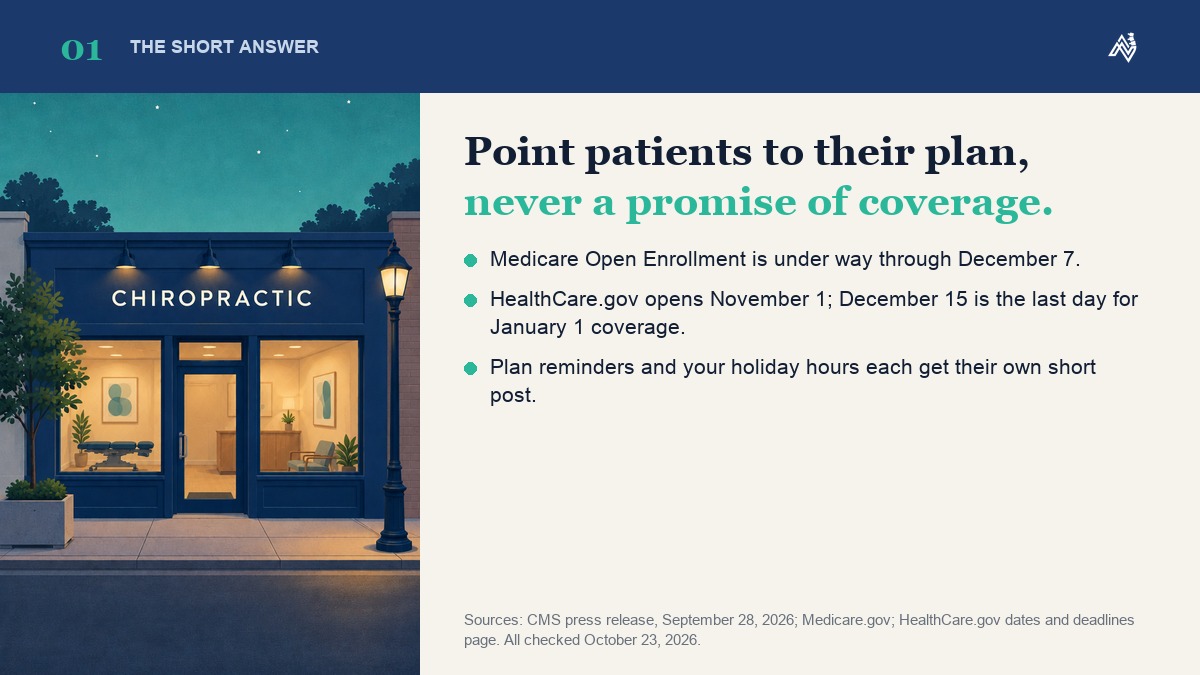
Table of Contents
Which Open Enrollment Dates Should Your Holiday Posts Use?
Use the dates patients act on: December 7 for Medicare, and November 1 and December 15 for HealthCare.gov, where December 15 is the last day to enroll or switch for coverage starting January 1. HealthCare.gov also lists January 15 as the end of its Open Enrollment. Link the official page in every post rather than restating its rules.
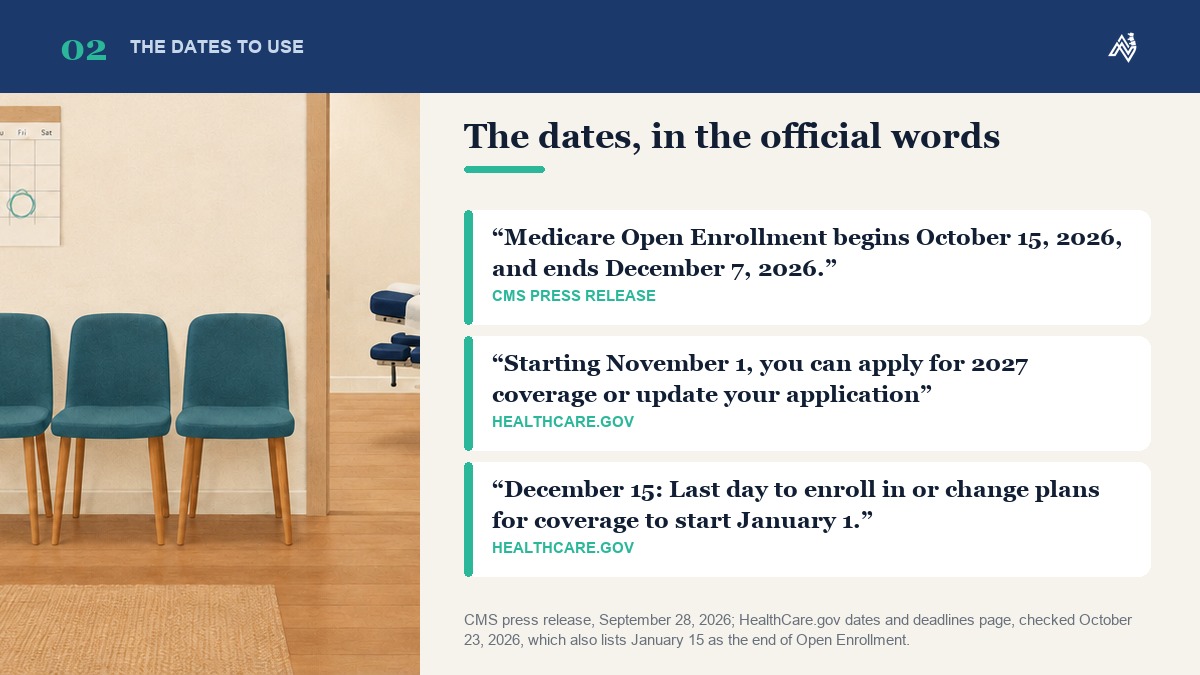
- October 15 to December 7: Medicare Open Enrollment, as announced in CMS's September 28, 2026 press release. In that window, CMS says, people with Medicare "can compare 2027 coverage options at Medicare.gov." Medicare.gov adds that changes take effect January 1, and the plan must get the request by December 7.
- November 1: HealthCare.gov opens applications for 2027 coverage.
- December 15: HealthCare.gov's last day to enroll in or change plans for coverage to start January 1.
- January 15: the end of Open Enrollment on HealthCare.gov's dates page, as the page read on October 23, 2026.
Why it matters to your clinic: CMS's open enrollment page for partners notes that Medicare plans can change each year, including "what providers and pharmacies are in their networks." A patient who switches plans may want to know whether you work with the new one, and a post that sends that question to your front desk is better than a surprise at check-in.
HealthCare.gov also says how people apply depends on whether their state has its own Marketplace. If yours does, link your state's site instead, and open each official page again on the day you schedule the post that cites it.
What Can Your Clinic Post About Open Enrollment and Year-End Benefits?
Reminders and invitations, not explanations. Five posts cover the season: a "switching plans?" check with your front desk, a deadline reminder, questions to ask a plan, an FSA balance reminder and your holiday hours. Each works as a short captioned video or a single card, and each sends the patient to the right person or page.
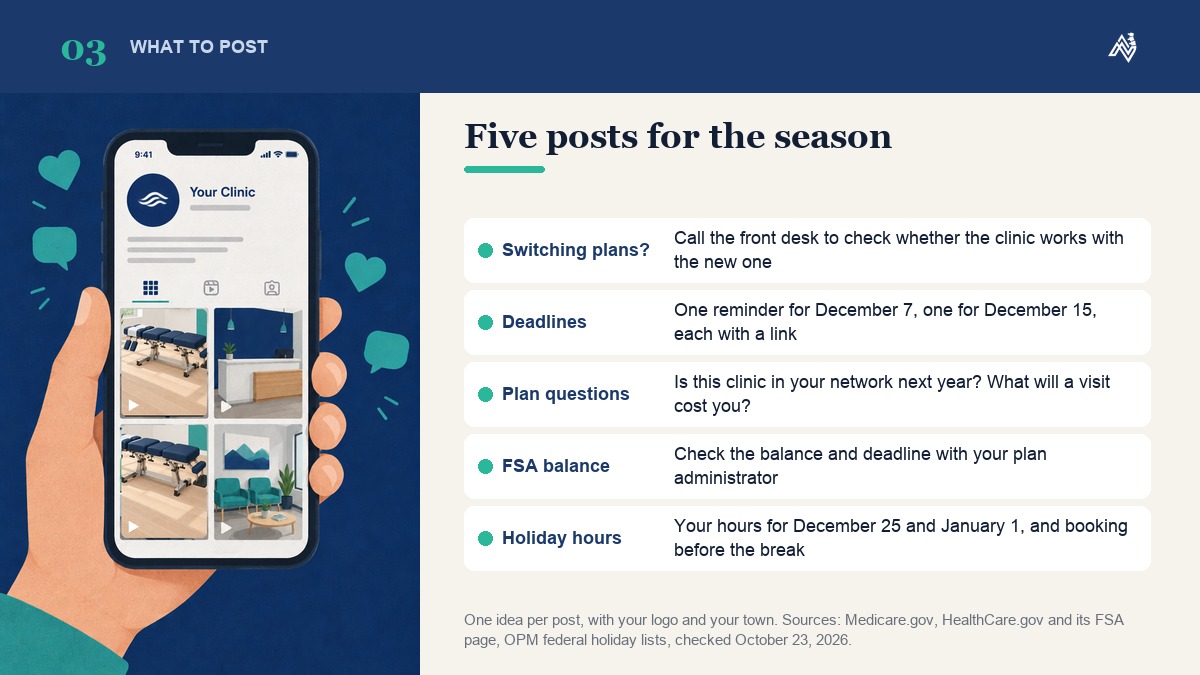
- "Thinking of switching plans?" One line: if you are changing plans, call the front desk to check whether the clinic works with the new one. Leave plan names out; if a post ever needs to name a Medicare Advantage plan during Medicare Open Enrollment, show it to your compliance adviser first.
- "Check your plan before the deadline." One reminder for December 7 and one for December 15, each linking Medicare.gov or HealthCare.gov. The same CMS partner page offers outreach and media materials "that can help you to help others with Medicare open enrollment," so check how CMS allows them to be used before you post any.
- "Questions to ask your plan before your next visit." A card that asks and does not answer: is this clinic in your network next year, and what will a visit cost you? The plan gives the answer; your post only prompts the call.
- "Check your FSA balance and deadline." Ask followers to check both with their plan administrator. HealthCare.gov's FSA page says that at the end of the year or grace period, "you lose any money left over in your FSA." Keep the post at that, with no line suggesting a visit qualifies.
- Your holiday hours, and booking before the break. Christmas Day falls on Friday, December 25, and New Year's Day on Friday, January 1, 2027, according to OPM's federal holiday lists. Confirm your hours for both on Google; the how-to, along with Thanksgiving and Small Business Saturday, is in our guide to November marketing ideas for chiropractors.
Keep each post to one idea, with your logo and your town on it. A single post that tries to cover Medicare, the Marketplace and your hours at once is harder to read on a phone than three short ones.
Want us to do this for your clinic?
Want your clinic on every feed, every week, whether the ads are on or off? Get a quote: tell us about your clinic and the services you want on video, and we send a clear monthly price within one business day. No obligation, no contract.
Get a quote →What Should a Year-End Benefits Post Never Say?
Anything that reads as a coverage answer. Leave out "covered," "costs nothing," deductible math, "use it or lose it" pressure, and any discount or waived fee aimed at Medicare patients that your compliance adviser has not reviewed. Plans differ, so the post points patients to their own plan.
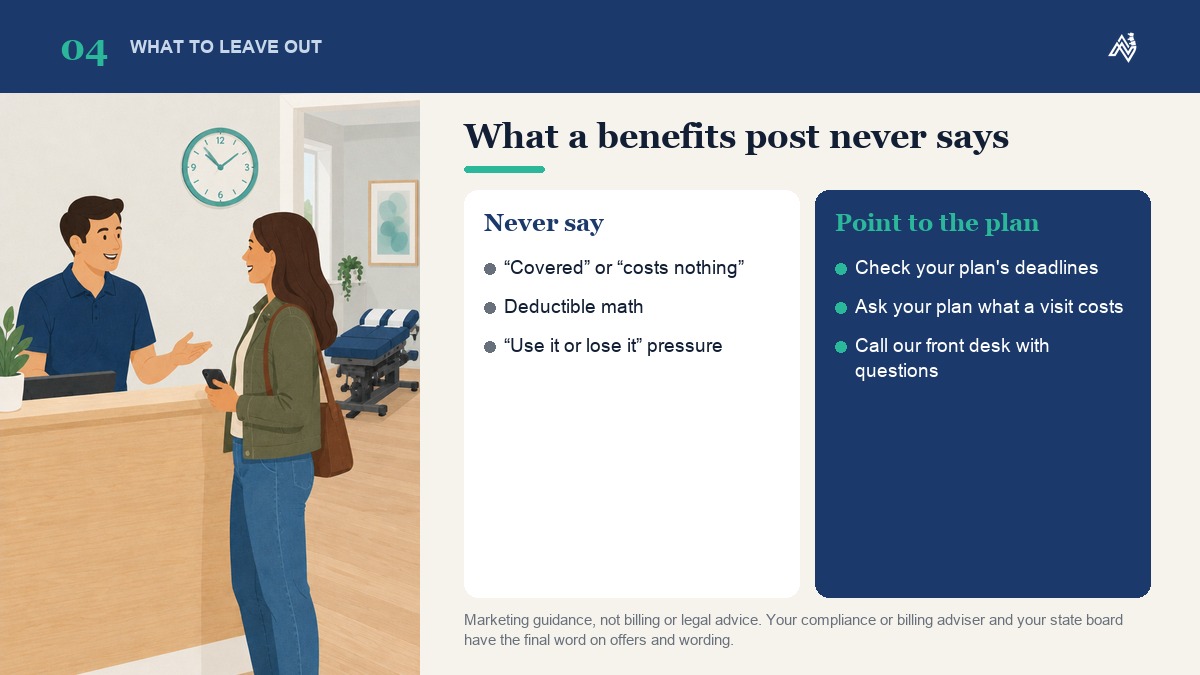
- No "covered" and no "costs nothing." Whether a visit is covered depends on the patient's plan, and the plan is the one to say so.
- No deductible math. A line like "you've met your deductible, so come in" assumes facts about a patient's plan that a post cannot know.
- No "use it or lose it" pressure. Whether money or visits carry over is the plan's answer to give, so the FSA post above stays a reminder to check a balance.
- No plan names or insurer logos. Plans can change their networks from one year to the next, and your front desk confirms on the call.
- No holiday discount or waived fee you have not checked with your compliance adviser, against your state board's advertising rules and your payer contracts.
This is marketing guidance, not billing or legal advice. Your compliance or billing adviser and your state board have the final word on offers and wording, and our guide to chiropractic advertising rules and what you can legally say covers what to check before a post goes up.
Chiropractic Holiday Marketing That Keeps Working When Ads Pause
If you trim or pause ads over the holidays, these posts keep your clinic in front of the people who already follow you or have visited before, on channels you own, at no cost per view. They will not replace the new patients your ads were bringing in, but they keep your name visible until the budget comes back.
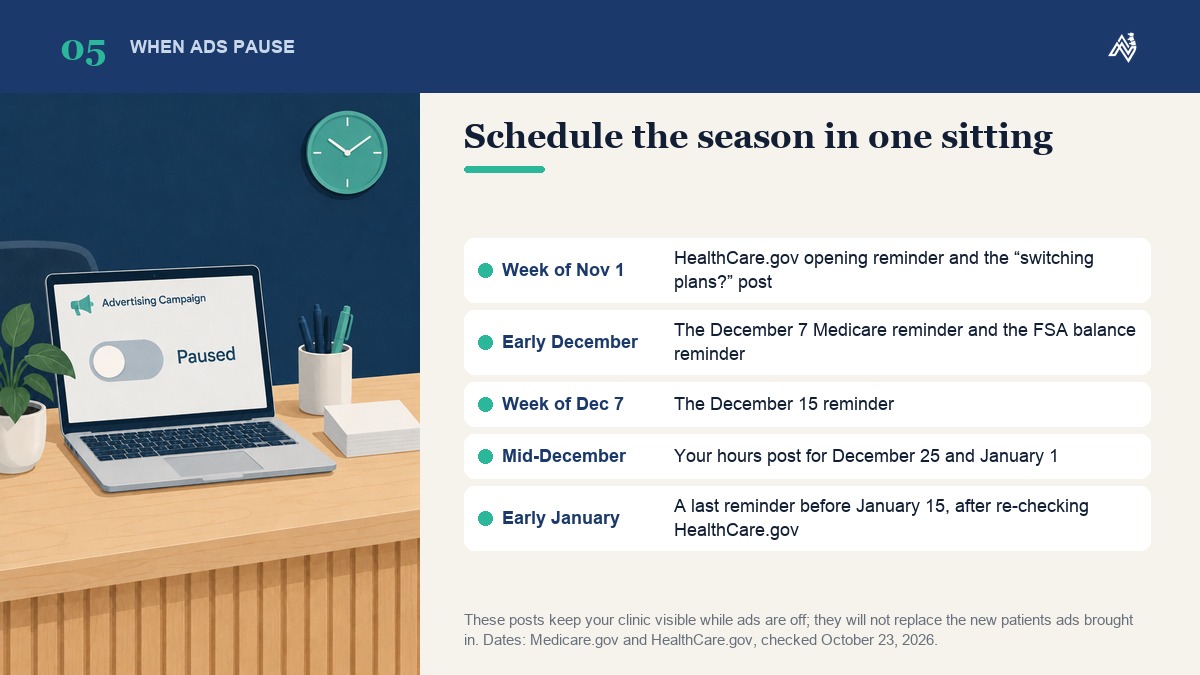
Our guide on how to get new chiropractic patients when the ads are off puts it plainly: when ad budgets pause, patient acquisition stops, at least the part your ads were doing. It covers the new-patient side, from referrals and past patients to your Google profile and your own videos.
For the reminders themselves, the simplest habit is to write and schedule the whole season in one sitting:
- Week of November 1: the HealthCare.gov opening reminder and the "thinking of switching plans?" post.
- First days of December: the December 7 Medicare reminder and the FSA balance reminder.
- Week of December 7: the December 15 reminder.
- Mid-December: your hours post for December 25 and January 1.
- Early January: a last reminder before January 15, after you re-check HealthCare.gov's dates page.
Put the same hours in a post on your Google profile, too. Our guide to Google Business Profile posts for chiropractors covers that routine.
How Does ChiroVant Help With Holiday Content?
We focus on branding and content creation for organic growth: short branded videos, carousels and posts made with your logo, your services and your city. Videos are built from your website, so there is nothing to film; we produce with AI and review every frame by hand. You approve every script, and everything delivered is yours to keep.

On Essential, at $249 a month, you get four videos, two carousels, four posts and one ad creative, with a calendar, and you post them. On Growth, at $449, we post for you on Instagram, Facebook, TikTok and YouTube once you have approved each piece. Authority, at $989, adds two local articles a month on your site and keeps your Google Business profile active, with review replies written for you. The full details are on our packs page.
Want us to do this for your clinic?
Pick the service patients ask about most. Ask us for a quote and we will tell you what a monthly set of short captioned films about it would cost for your clinic, within one business day.
Get a quote →This week, ask your front desk which plans the clinic will work with next year, then write the five posts above in one sitting and schedule them against the dates in this guide. If you would rather have them made as short branded videos, get a quote.